What is my IP Address?
Check your IP address and learn how to hide it
Your IP Address
{{ ip }}
Your IP Address is exposed
Websites can use it to identify you.
KemitVPN Tools
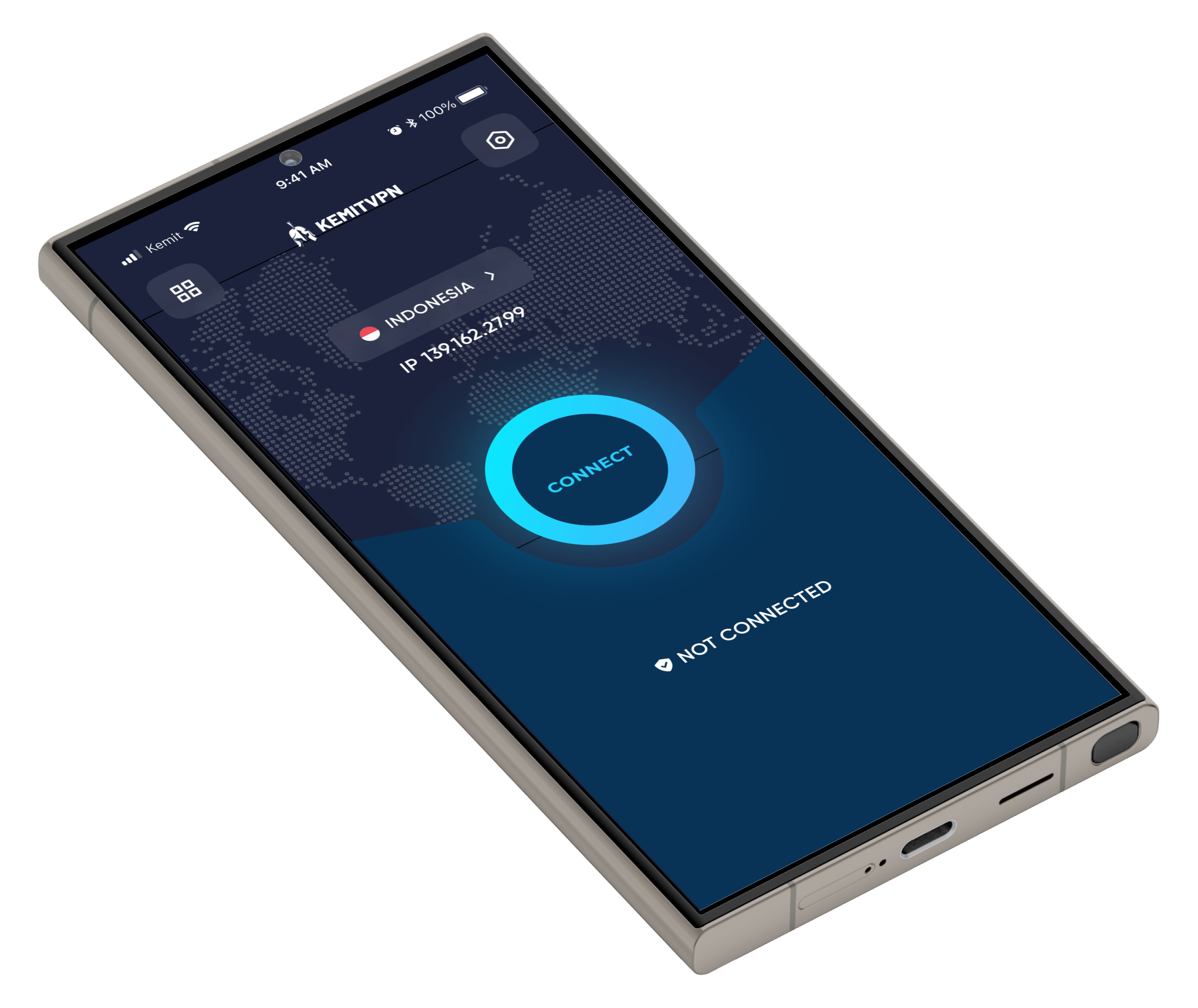
How to Hide Your IP Address
Protect your privacy and stay anonymous online in just a few clicks.
- Download and install KemitVPN on your device.
- Open the app and log in or create your account.
- Choose a server location anywhere in the world.
- Click Connect — your IP is now hidden and your connection is encrypted!
What is an IP Address?
Your IP address is your device’s unique identifier on the internet—like a digital home address.
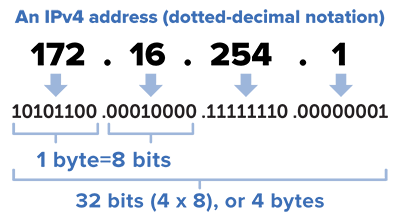
- Identification: Every device online gets a unique IP address (IPv4 or IPv6).
- Location: IPs reveal your approximate location and ISP to websites and apps.
- Communication: IPs let devices find each other and exchange information.
- Privacy Risk: Your IP is public by default—sites can use it to track or block you.
You know your IP, Now get ultimate risk-free KemitVPN
7-day money-back guarantee — no questions, no hassle. Surf the web in full security and privacy.
Get it Now